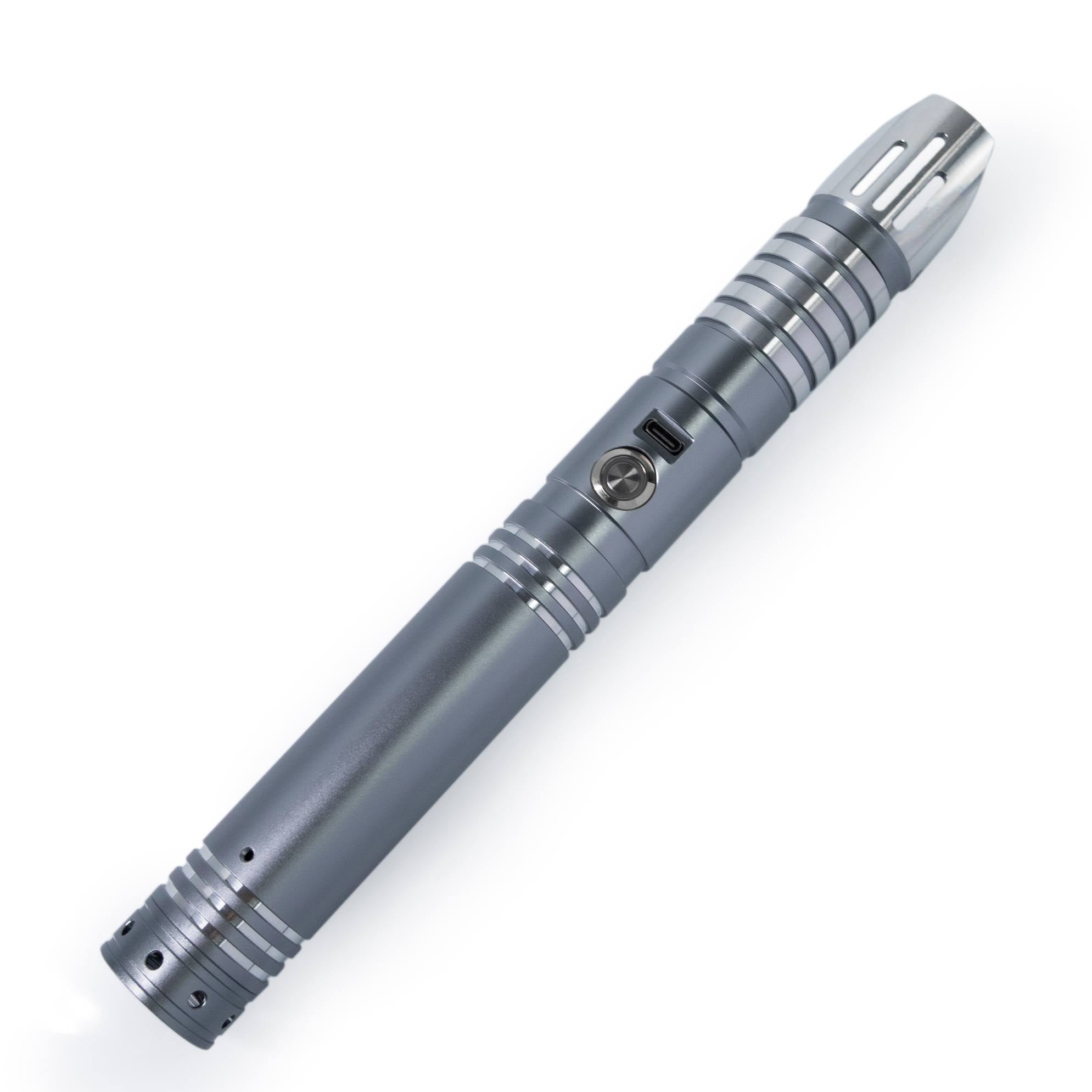
Neopixel Lightsabers
Showing all 8 results
-
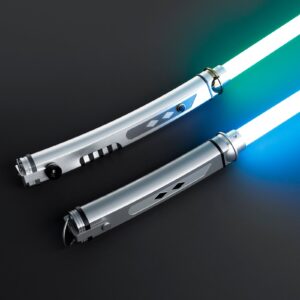
Ahsoka Tano Lightsaber — Xenopixel V3 / Proffie 2.2 Dual White Blade Replica Set | ISABER
Price range: $508.99 through $847.99Select options This product has multiple variants. The options may be chosen on the product page -
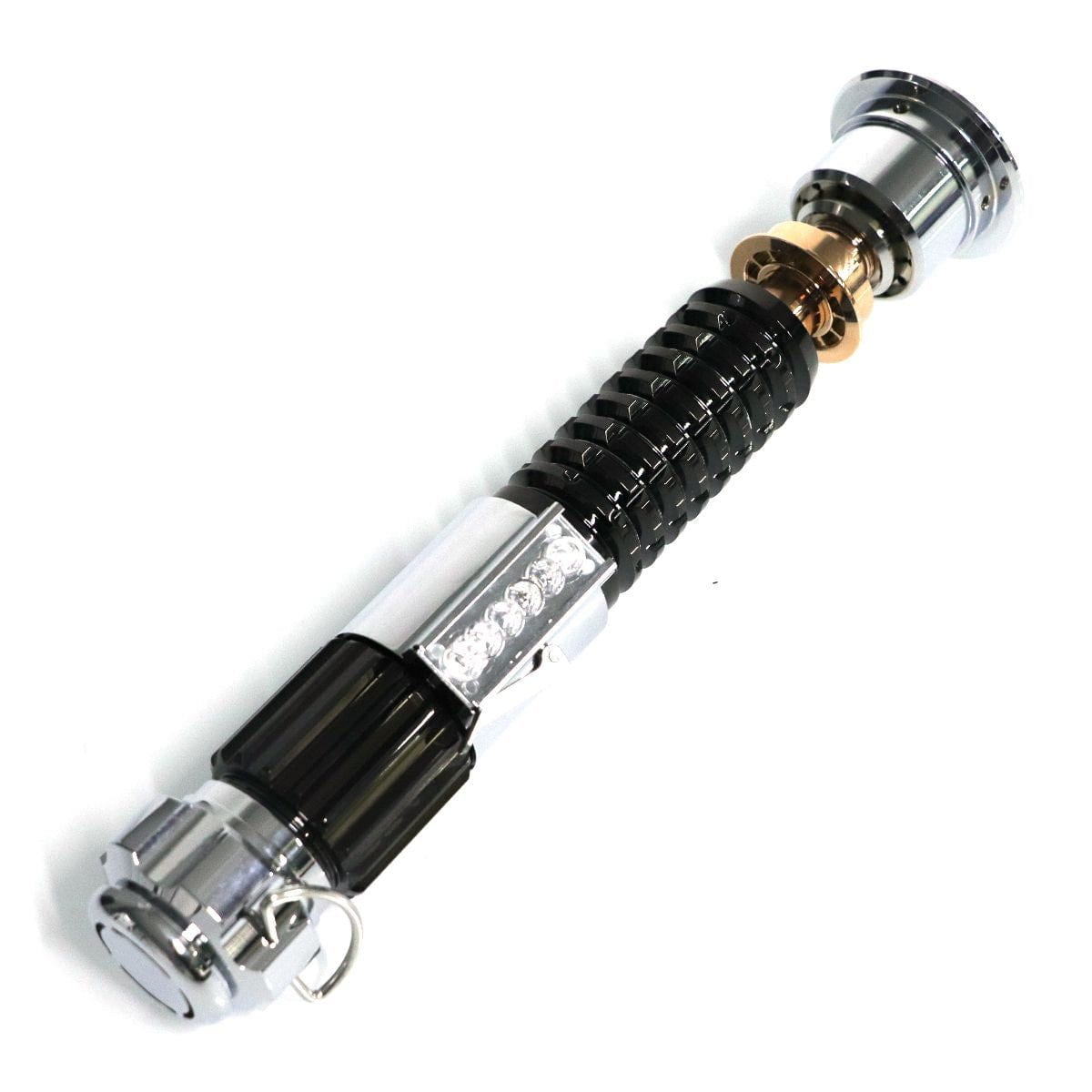
Kenobi Lightsaber v2.0 — Obi-Wan Kenobi Neopixel Replica | ISABERS
$489.99 -
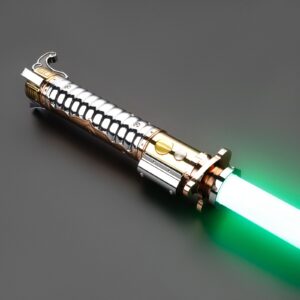
Lop Lightsaber — XRGB3.0 / Xenopixel V3 / Proffie 2.2 Replica | ISABER
$486.99 -
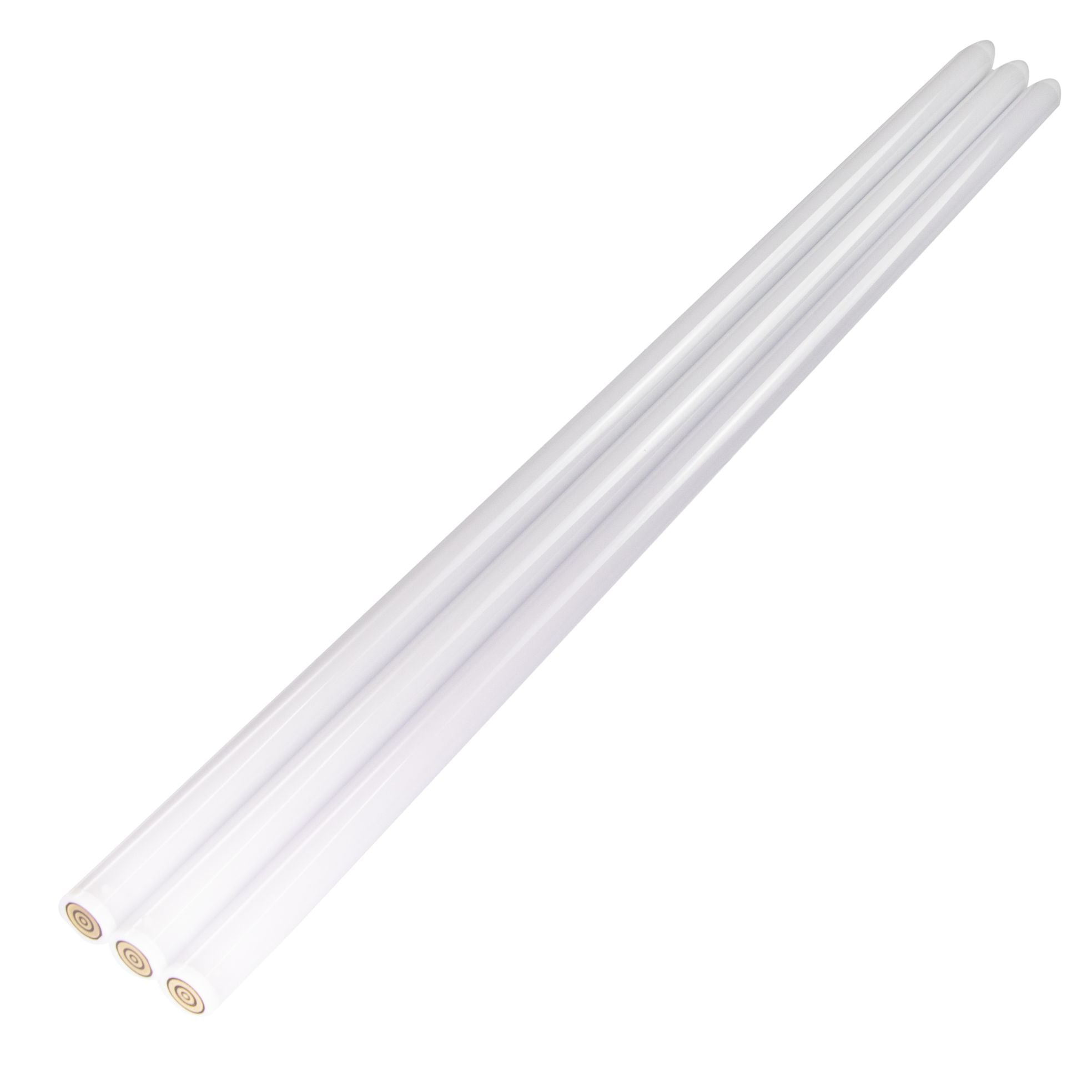
Neopixel Lightsaber Blade 3mm
$109.99 -
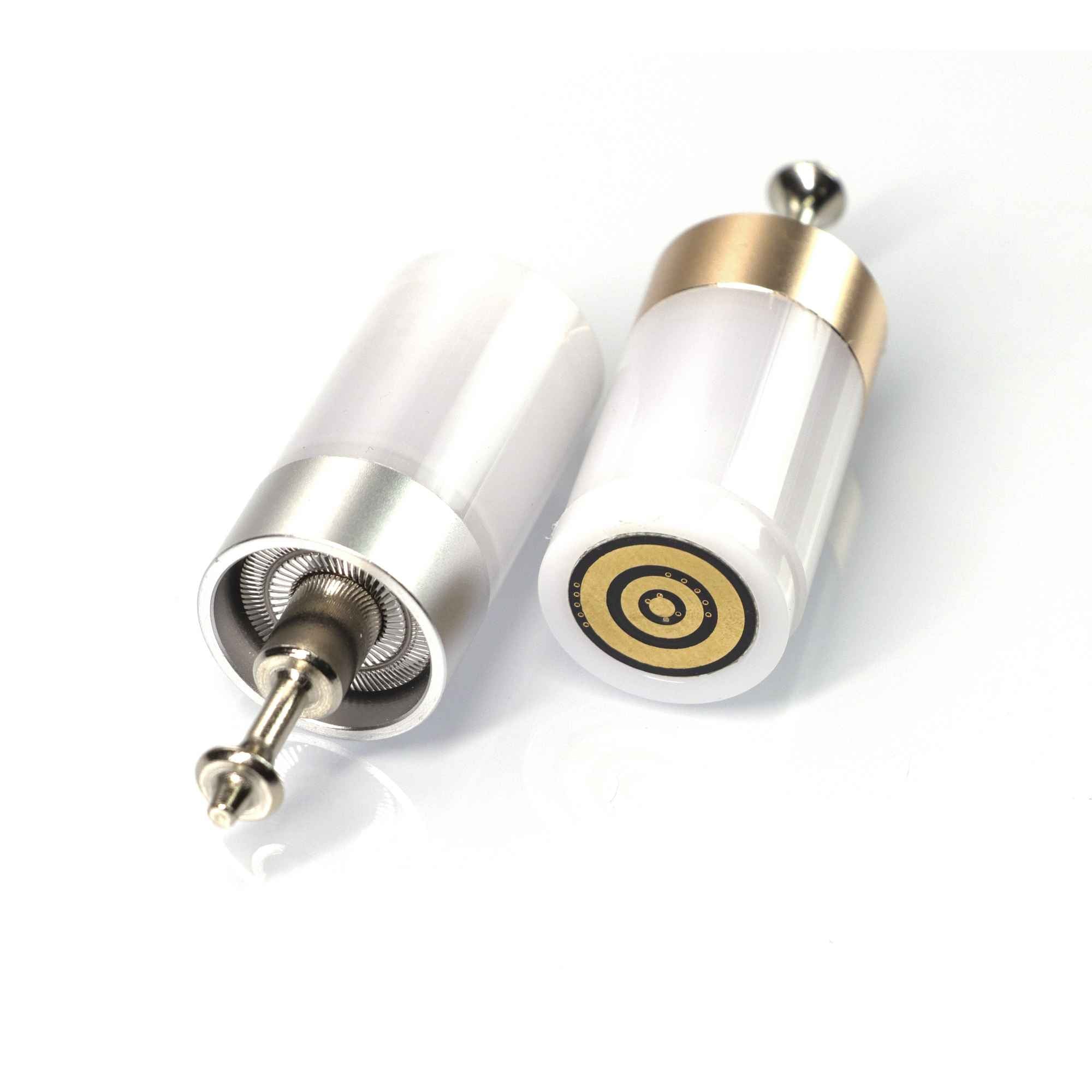
Neopixel Lightsaber Blade Plug V1
$23.99 -
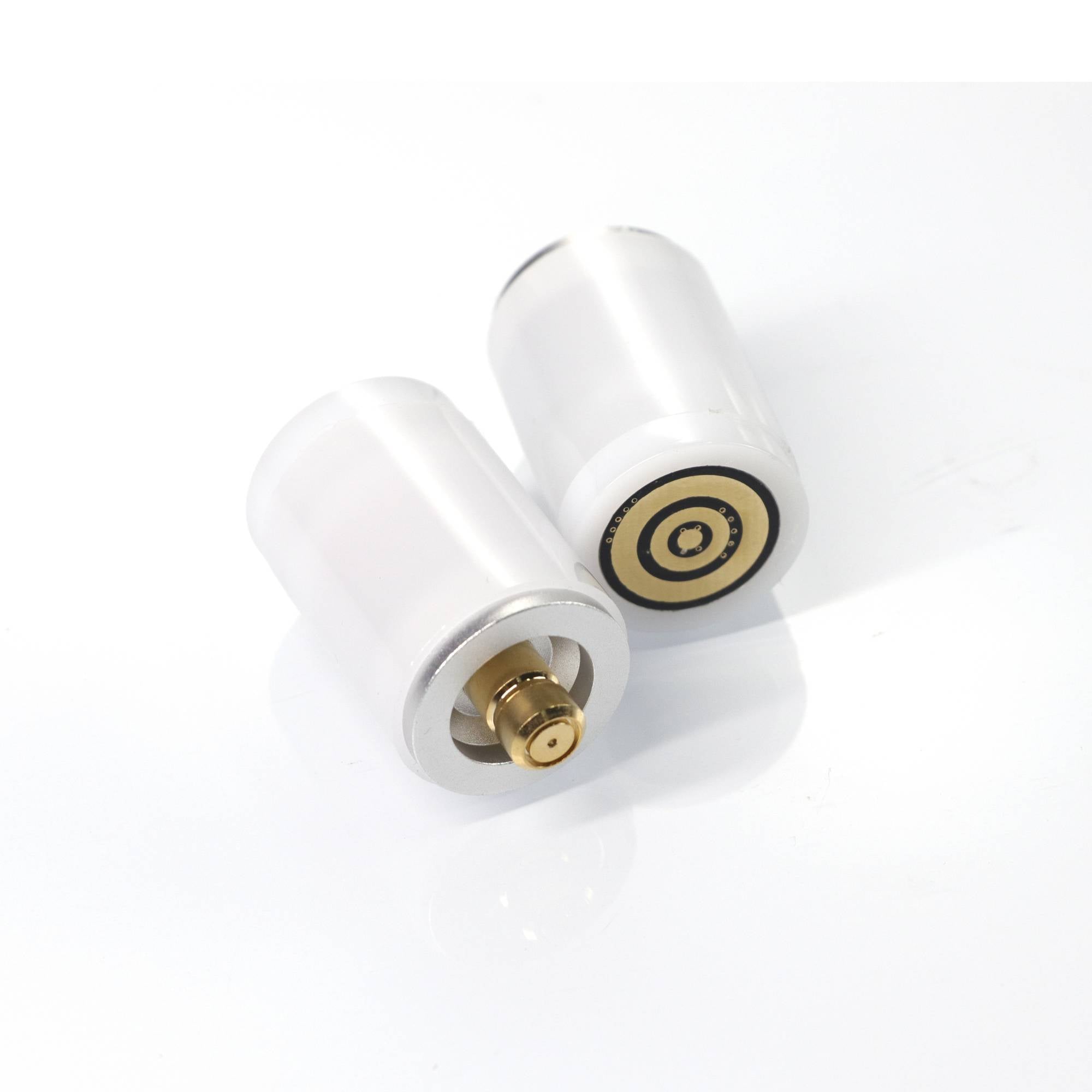
Neopixel Lightsaber Blade Plug V2
$23.99 -
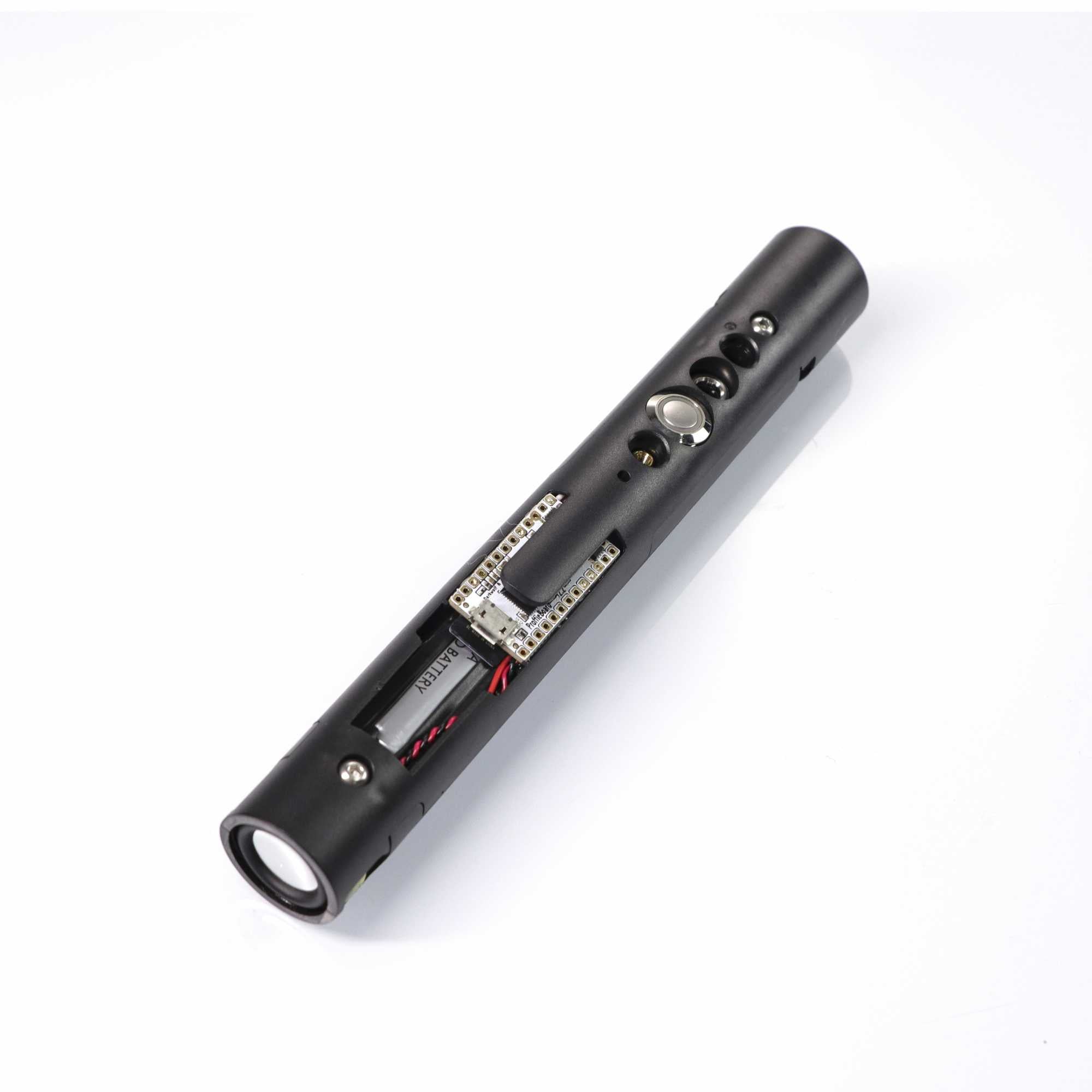
Neopixel Lightsaber Soundboard Kit Proffie 2.2
$179.99 -
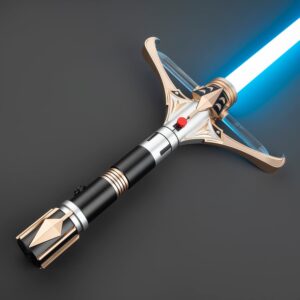
Stellan Gios Lightsaber — Xenopixel V3 / XRGB3.0 Crossguard Replica | ISABER
$813.99
Here's the short version: a Neopixel lightsaber puts the LEDs inside the blade, not the hilt. A flexible PCB strip packed with 100–150 individually addressable WS2812B pixels runs the full length of the blade. Every pixel controls its own color and brightness. That's how you get the scrolling ignition, the localized clash flash, and blade effects that a baselit saber physically cannot do.
This reference covers the full stack: blade construction, LED strip specs, soundboard comparison, connectors, power, thermal design, the complete effects library, and troubleshooting. No fluff. Just the specs.
What's on This Page
- Blade Construction & Specs — 5-layer build, materials, wall thickness
- LED Strip — chip comparison, data protocol, pixel density
- Soundboards — Proffie · CFX · GHv4 · Xenopixel full comparison
- Connectors & Interfaces — pogo pins, GX16, USB-C, SD card
- Power System — battery, runtime, charging safety
- Thermal Design — heat paths, overheat protection
- Effects Library — ignition, clash, lockup, blaster, gestures
- Troubleshooting — 8 common failures and how to diagnose them
- Frequently Asked Questions
Blade Construction & Specs
A Neopixel blade isn't just a plastic tube. It's five layers of material, each with a specific job:
Five-Layer Build
| Layer | Material | What It Does |
|---|---|---|
| 1. Outer shell | Polycarbonate, 1" OD | Structural shell. Same material as riot shields — tough but flexible enough to absorb impact without shattering. |
| 2. Diffusion film | White PET film, rolled inside | Scatters light from the LED strip so the blade looks like a solid rod of light instead of showing individual LED dots. Cheap blades skip quality here — that's where corn-cobbing comes from. |
| 3. Foam diffuser | Open-cell foam tube | Fills the gap between the LED strip and the diffusion film. Too dense = dim blade. Too loose = visible hotspots. Good blades nail the density. |
| 4. LED strip | Flexible PCB with WS2812B LEDs | The light engine. Runs base to tip. Back-to-back dual strips give 360° coverage; single strips can cast a subtle shadow line. |
| 5. Blade tip | Polycarbonate cap, glued or press-fit | Seals the end. Good tips have a reflective interior coating that bounces light back down the blade to reduce tip dimming. |
Specification Sheet
| Parameter | Standard | Options | Notes |
|---|---|---|---|
| Outer diameter | 1" (25.4 mm) | 7/8" (22.2 mm) | 1" is the universal standard; best accessory compatibility |
| Wall thickness | 2 mm (mid-grade) | 3 mm (heavy-grade) | Heavy-grade for dueling; slightly dimmer due to thicker walls |
| Length | 32" (82 cm) | 26" / 36" | Under 160 cm height → 26"; most users pick 32" |
| Material | Polycarbonate | — | High impact resistance, >90% light transmission |
| Diffusion | PE foam + PET film | Single / dual layer | Dual-layer is more even but ~15% dimmer |
| Tip style | Hemisphere / bullet | Round / pointed | Round = safer for dueling; pointed = more screen-accurate |
Blade length directly affects brightness and handling. A longer blade means more LEDs pulling from the same battery, and the voltage drop across a longer strip makes pixels near the tip run slightly dimmer than those near the base. At full white (all three RGB channels at 255), a 36" blade shows visible tip dimming sooner than a 28" blade. In practice, most people don't run full white for long, and the difference is subtle on a charged battery.
LED Strip
The heart of every Neopixel blade is an addressable RGB LED strip. Each LED package contains three tiny diodes — red, green, and blue — plus a driver chip that listens for a digital signal on a single data line. The strip runs on three wires: 5V power, ground, and data. The data line is a serial chain: the first LED reads the first 24 bits of color data and passes everything downstream. One data pin on the soundboard controls hundreds of pixels.
Chip Comparison
| Model | Architecture | LEDs/m | Color Space | Max Draw/m | Notes |
|---|---|---|---|---|---|
| SK6812 | Built-in IC | 144 | RGB + dedicated white channel | 9.0 W | Cleaner whites, higher CRI |
| WS2812B | Built-in IC | 144 | RGB | 7.5 W | Industry standard. In 95% of Neopixel sabers |
| WS2813 | Built-in IC + backup data line | 144 | RGB | 7.5 W | One dead pixel doesn't kill the rest. Most reliable |
| APA102 | SPI dual-line | 144 | RGB | 8.0 W | Higher refresh rate. Limited soundboard support |
The WS2812B is the de facto standard. Data protocol: single-wire NRZ at 800 kHz. A standard 32" blade contains roughly 120–133 pixels. Higher-density strips (144 LEDs/m) exist, but the practical visual difference in a properly diffused blade is marginal — the foam diffuser smooths out the light enough that even 100 LEDs per meter looks continuous.
Soundboards
The soundboard is the saber's computer — 6-axis IMU, SD card, 800+ LED updates per second. All four major boards drive the same WS2812B strip. At idle the blade looks identical across all of them. What's different: how you configure it, what effects are available, and how much control you have.
Full Comparison
| Parameter | Proffieboard V3.9 | Crystal Focus X | Golden Harvest GHv4 | Xenopixel V3 |
|---|---|---|---|---|
| Developer | Fredrik Hubin (open-source community) | Plecter Labs (France) | SaberTec | LGT / Nexus |
| Open source | ✓ GitHub | ✗ Closed | ✗ Closed | ✗ Closed |
| MCU | STM32F407 / 168 MHz | PIC32MZ | STM32 | GD32 |
| Max font slots | Unlimited (SD card capacity) | 25 | 40 | 34 |
| Smooth Swing | ✓ Industry benchmark, fully configurable | ✓ Rock-solid, 15+ years of Plecter R&D | ✓ Tight tracking out of the box | ✓ Basic implementation, functional |
| Gesture set | ✓ Fully programmable | ✓ 12 presets | ✓ 8 presets | ✓ 6 presets |
| Bluetooth | External module required | External module required | ✓ Built-in (GHv4 BT) | ✓ Built-in |
| Configuration | Arduino IDE + text config | RICE GUI (Win/Mac) | SD card text files | Phone app + SD card drag-and-drop |
| Learning curve | High (compile firmware) | Medium (GUI-based) | Low (edit text files) | Zero (out of the box) |
| Community library | Thousands of free fonts + styles | Proprietary, extremely high quality | Hundreds | Preloaded + official store |
| Board price | $85–110 | $95–135 | $65–85 | $40–60 (integrated, not sold separately) |
Connectors & Interfaces
| Interface | Pins | Purpose | Notes |
|---|---|---|---|
| Pogo Pin | 3–5 | Blade ↔ Hilt | Most common. Spring-loaded. 3-pin = power + data; 5-pin adds tip effects. Gold-plated pins last longer. Bent pins are the #1 post-purchase support issue — usually fixable with tweezers. |
| Aviation Connector (GX16) | 6 | Blade ↔ Hilt | Thread-locked, more secure. Preferred for heavy dueling builds. Slower to swap than pogo pins. |
| USB-C | 16 | Charging + Data | 5V/1A input only. Fast chargers will destroy the charging circuit. |
| Micro SD | — | Font storage | FAT32, 32 GB max |
Power System
| Parameter | Standard | Notes |
|---|---|---|
| Battery type | 18650 Li-ion | 18mm × 65mm. Same format as vape and flashlight cells |
| Nominal voltage | 3.7 V | Full: 4.2V. Cutoff: 2.8V |
| Typical capacity | 3,000–3,600 mAh | Manufacturer-rated. Actual usable capacity slightly lower |
| Runtime (full white) | 40–60 min | Manufacturer estimate. Affected by brightness settings and battery age |
| Runtime (single color, 50% brightness) | 90–120 min | Red draws least. White and purple draw most |
| Charge input | 5V / 1A | ⚠️ Fast chargers (9V/12V) will fry the charging circuit. Laptop USB port or old 5V phone cube is safest. |
| Full charge time | 2.5–3.5 hrs | Linear charging; slows down as it approaches full |
The fast charger warning isn't theoretical. Most saber charging boards use a simple linear regulator that expects exactly 5V. USB-PD and Quick Charge chargers negotiate higher voltages with the connected device — but a saber doesn't negotiate. The charger can deliver 9V, 12V, or 20V straight into a circuit rated for 5V. Result: instant destruction of the charging board. This is the single most common cause of fried electronics in the hobby. Use a laptop USB port or an old 5V/1A phone charger. The old iPhone cube is perfect.
One more thing about batteries: lithium cells hate being stored empty. If the voltage drops below roughly 2.5V, the cell can be permanently damaged — won't charge, won't hold power. If you're not using the saber for a while, charge to 60–80%, insert the kill key if you have one, and top it up every couple of months. No kill key? Take the battery out.
Thermal Design
| Method | How It Works |
|---|---|
| Aluminum-backed LED strip | LED heat conducts through the aluminum substrate into the polycarbonate blade wall. Black PCB substrates dissipate heat better than white and reduce internal light bleed. |
| Hilt ventilation | The MOSFET drivers on the soundboard are the hottest components in the saber. Heat escapes through vented sections of the hilt body. |
| Thermal throttling | Some soundboards automatically reduce power if full-white maximum brightness is sustained for more than ~5 minutes. You'll see brightness dip slightly — that's protection, not a fault. |
Effects Library
| Effect | Trigger | Visual | Support |
|---|---|---|---|
| Ignition | Power button | Light crawls base-to-tip, pixel by pixel | All boards. Proffie: customizable speed, color, and pattern |
| Retraction | Hold or press power | Light retracts tip-to-base | All boards. Some support asymmetric retraction (faster than ignition) |
| Flash on Clash (FoC) | Accelerometer detects impact | White flash at impact point | All boards. Proffie: localized to the exact pixel of impact |
| Lockup | Sustained blade contact | Looping arc flash + grinding sound | All boards |
| Tip Drag | Tip dragged on surface | Tip illuminates + spark effect spreads downward | Requires board support. Some need 5-pin connector |
| Blaster Block | Quick wrist twist | Single-pixel flash + deflection sound | All boards. Proffie: randomizes position along the blade |
| Unstable | Switch effect preset | Random pixel flicker + irregular pulsing | Classic Kylo Ren crossguard effect. All boards |
| Rainbow | Switch effect preset | Hue cycles along the blade | Display effect. All boards |
| Ghost Fire | Switch ignition style | Low-brightness blue/white staggered crawl | Xenopixel, Proffie |
| Battery Level | Special gesture | Pixels change color in segments (green → yellow → red) | Proffie, CFX, GHv4 |
Troubleshooting
| Symptom | Most Likely Cause | Diagnostic Steps |
|---|---|---|
| No power at all | Dead battery / protection circuit triggered | 1. Charge ≥30 min and retry. 2. Swap in a known-good battery. 3. Check blade is fully seated. |
| Blade goes dark past a point | Broken solder joint on LED strip; data signal interrupted | 1. Remove blade and inspect strip. 2. Focus on the pixel just before the first dead one. |
| Flickering / random colors | Low battery voltage / cold solder joint on power line | 1. Fully charge and retry. 2. Inspect power pads on the strip. |
| Color cast / wrong hue | One RGB channel is open | 1. Check solder joint for the affected channel. 2. Could be a blown MOSFET on the soundboard. |
| Soundboard won't boot | Corrupt SD card / lost firmware / poor battery contact | 1. Reseat SD card. 2. Replace card and reflash firmware. 3. Bend battery contacts outward for tighter fit. |
| Won't charge | Incompatible charger / damaged USB-C port | 1. Switch to a known 5V/1A charger. 2. Inspect USB-C port for debris. |
| Saber shuts off when blade is inserted | Hot-plug short circuit | ⚠️ Always power off before inserting/removing the blade. If this has already happened: swap battery and retry. Severe cases: blown soundboard. |
| Tip effects don't trigger | Pixel count mismatch between config and physical blade | 1. Check pixel count setting in app/config. 2. 32" blade = ~120–133 pixels. Confirm with manufacturer. |
Most Neopixel saber problems come down to three things: power (dead battery, wrong charger, voltage sag), connections (bent pogo pins, cold solder joints, loose SD card), or configuration (wrong pixel count, corrupt firmware). Check those three before you start taking anything apart.
Frequently Asked Questions
Q1: What's the core difference between Neopixel and Baselit?
A: Where the light comes from. Baselit = one high-power LED in the hilt, shining up through a hollow tube. Whole blade lights up or turns off together. Neopixel = 100–150 tiny LEDs inside the blade, each independently controlled. Scrolling ignition, localized clash flash, per-pixel effects. The brightness is comparable. The visual experience is a generation apart.
Q2: Xenopixel or Proffie — which should I get?
A: Don't want to mess with code? Xenopixel. It works out of the box and a phone app controls everything. Want unlimited customization and you're comfortable with Arduino? Proffie. For 90% of first-time buyers, Xenopixel is the right call. Proffie is for your second saber, once you know exactly what customizations you actually want.
Q3: Can you duel with a Neopixel saber?
A: Light to medium sparring — yes, especially with a 3 mm heavy-grade blade. Choreographed duels, cosplay combat, casual backyard sparring — all fine. Hard full-contact competitive dueling? No. The LED strip is a flexible PCB. Repeated hard edge-to-edge strikes can crack solder joints or fracture the strip. If competition dueling is your main thing, baselit is the more durable tool. A lot of serious duelists own both: Neopixel for display and light sparring, baselit for tournaments.
Q4: How long does the battery last?
A: About 40–60 minutes at full-white maximum brightness. About 90–120 minutes on a single color at 50% brightness. Red draws the least power. White and purple draw the most. Full recharge takes 2.5–3.5 hours on a standard 5V/1A charger. The battery is a standard 18650 Li-ion cell (3,000–3,600 mAh). Most hilts let you swap batteries, so carrying a spare gets you through a full convention day.
Q5: What's the #1 charging mistake?
A: Using a phone fast charger. USB-PD and Quick Charge bricks negotiate 9V+ with connected devices. Saber charging circuits don't negotiate — they expect 5V and will be destroyed by anything higher. This is the most common cause of fried electronics in the hobby. Use a laptop USB port or an old 5V/1A phone charger. The old iPhone cube is perfect.
Q6: What blade length should I get?
A: Under 160 cm → 26". 160–175 cm → 32". Over 175 cm → 36". When in doubt, go shorter. A blade that's too long will drag on the ground during spins and feel unwieldy one-handed. For cosplay, shorter blades are easier to carry and maneuver in crowds. Also: the pixel count setting in your soundboard config must match the physical blade length, or effects will be misaligned.
Q7: What happens when a Neopixel blade breaks?
A: The polycarbonate shell almost never breaks — it's riot shield material. What breaks is the LED strip inside. Dead pixels (dark dots), flickering sections (cracked solder joints), or total blackout past a break point (PCB fracture). A single dead pixel can sometimes be bypassed with a soldering iron. Full PCB fracture means blade replacement. Blades are consumable if you duel regularly — budget for a replacement the way you'd budget for new tennis racket strings.
Q8: How do I add custom sound fonts?
A: Depends on your board. Xenopixel: pull the SD card, drag .wav files into the font folder, reinsert. Done in 30 seconds. Proffie: edit config files, compile firmware in Arduino IDE, flash to the board. First time takes 2–3 hours. CFX and GHv4 sit in between: drag fonts to SD card, edit a config file entry, done.
Q9: Can I take a Neopixel saber on a plane?
A: Lithium batteries must be in carry-on luggage, not checked. A single 18650 cell is roughly 12 Wh — well under the 100 Wh aviation limit. Take the battery out and put it in a battery case so security doesn't have to guess what they're looking at. The hilt without a blade is just a metal tube with buttons — it'll pass security. But check your airline's policy ahead of time.
Q10: How many colors can a Neopixel saber display?
A: Theoretically 16.7 million (256 levels per RGB channel). In practice, presets give you 10–15 common colors, and custom mode lets you dial in any color you want. Worth knowing: different colors draw different amounts of power. Red uses one LED channel and lasts longest. White and purple use all three channels and drain the battery nearly twice as fast.
Q11: Will the battery degrade if I leave the saber unused?
A: Yes. Lithium cells self-discharge slowly, and if voltage drops too low (roughly below 2.5V), the cell can be permanently damaged. For long-term storage: charge to 60–80%, insert the kill key if your saber has one, and check/top up every 2–3 months. No kill key? Just take the battery out.
Q12: Why do two Neopixel blades look so different even though they use the same LEDs?
A: Three factors. Strip density (more LEDs per meter = smoother light). Strip configuration (back-to-back dual strips are brighter with 360° coverage; single strips can cast a shadow). Diffusion quality (foam density + film material + packing tightness). The WS2812B LEDs underneath are identical. What you're paying for is the layering work that turns a strip of dots into a solid rod of light.
ISABERS is not affiliated with Lucasfilm Ltd., Disney, or any of their subsidiaries. All character names and likenesses are trademarks of their respective owners. Product replicas are offered as original-inspired designs.